Ask across your systems.
Find a client’s agreed terms in email and a contract, then compare them with the invoice record.

 it just works.
RPlay Vault. For small businesses.
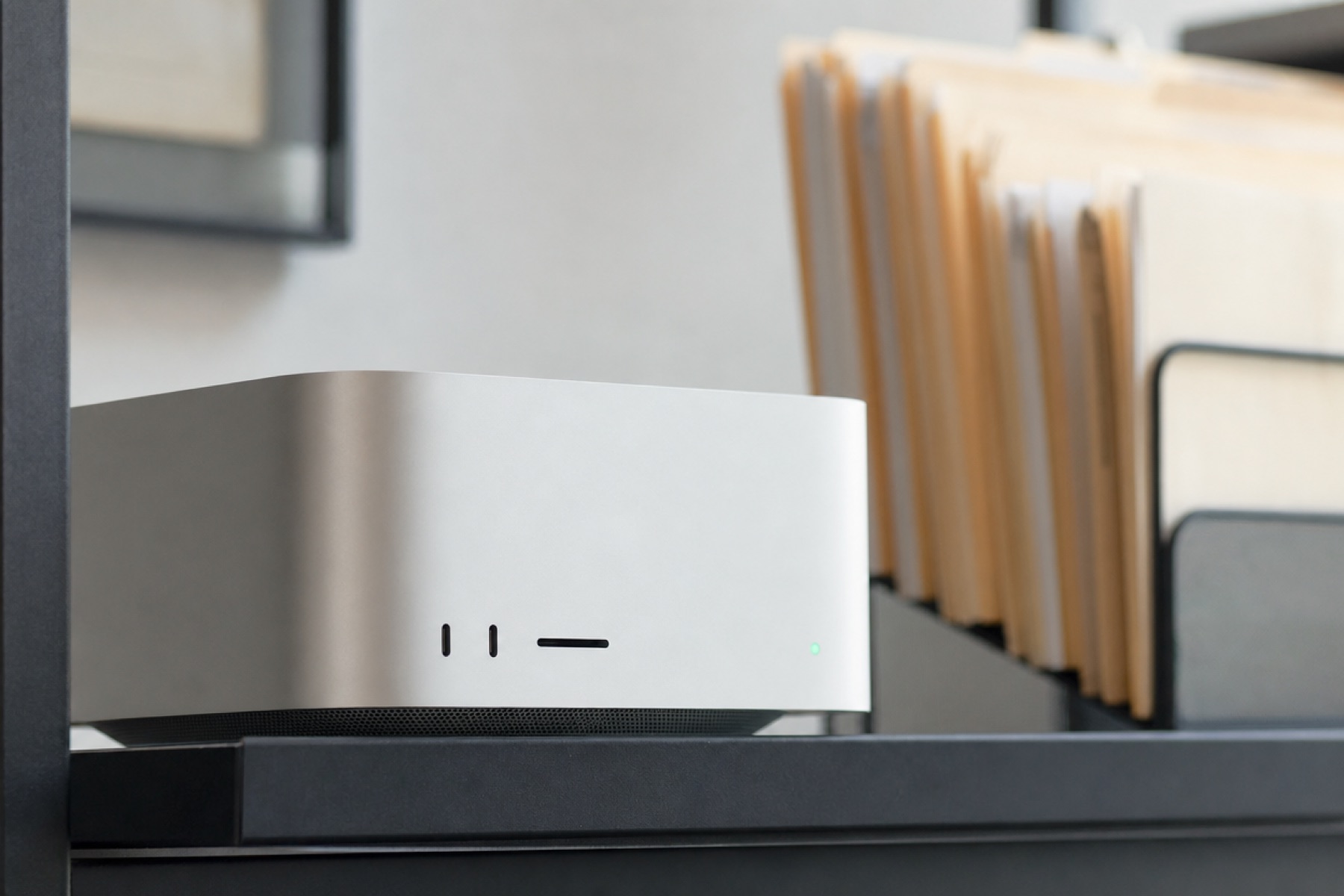
The email is in Outlook. The contract is in SharePoint. The invoice is in Exact. RPlay brings the information together, with AI running on a Mac Studio in your office.
Book a demo.See what it means for your team.The direction.
AI in your office.
Not only in a datacenter.
Industry analysts expect a growing share of business AI to run on devices and local systems instead of in the cloud: shorter delays, lower datacenter cost, and more control over sensitive data.
AI inference means using an AI model to answer a request. Running it locally keeps your questions and the retrieved passages in your office.
These are market drivers, not measured RPlay results. What RPlay does with your data is on the security and privacy page.
Why RPlay.
A client calls. You need the agreement, the latest email and the invoice. RPlay helps you find the story across those places, while you keep the tools you use today.
Find a client’s agreed terms in email and a contract, then compare them with the invoice record.
Search, summarise a file or prepare a draft in RPlay chat. Its AI runs on your office Mac Studio.
RPlay’s own chat is included. You do not need a separate paid AI subscription for each person.
One local AI brain.
Email, shared folders and accounting software are examples. We confirm the connections for your company before the demo.
RMLXRPlay chat uses local AI. If you choose a cloud AI app, the request details and selected passages go to that provider. How the apps connect.
Recognise your working day.
Find the termination clause for Vandamme NV and the emails where we agreed an exception.
Clause 14.2 of the framework agreement (signed 3 March 2025) sets a 6-month notice. On 18 June 2025 Nadia agreed by email to a 3-month notice for the Ghent site only; Vandamme confirmed the next day. The invoice of 30 June refers to that exception.
“Find the termination clause and the emails where we agreed an exception.”
Look across Outlook, the client’s document folder and the case system.
“Compare the invoices in the client’s email with the entries in the accounts.”
Bring together Microsoft 365, invoice PDFs and records in a system such as Exact.
Illustrative questions. Available sources and access are agreed for your company.
See examples for your business.Security, in everyday terms.
RPlay uses your company’s Microsoft Entra ID, the sign-in system behind Microsoft 365.
Signing in does not open every mailbox or client folder. RPlay limits answers to the sources assigned to that person.
RPlay reads your source systems. It only sends when you ask, and only to you. Any permitted write action is explicit and logged.
For teams from 5 to 100+ users.
The monthly rental includes installation, local AI, updates, health monitoring and backups checked by restoring them.
What RPlay provides.Start with a question from your working day.