Set up in your office.
The Mac Studio and local AI models, installed by RPlay. Your sources and access are agreed for your company.

 it just works.
The box.
RPlay installs the box in your office and maintains it. Your team asks questions in RPlay chat, with the AI running on that machine.
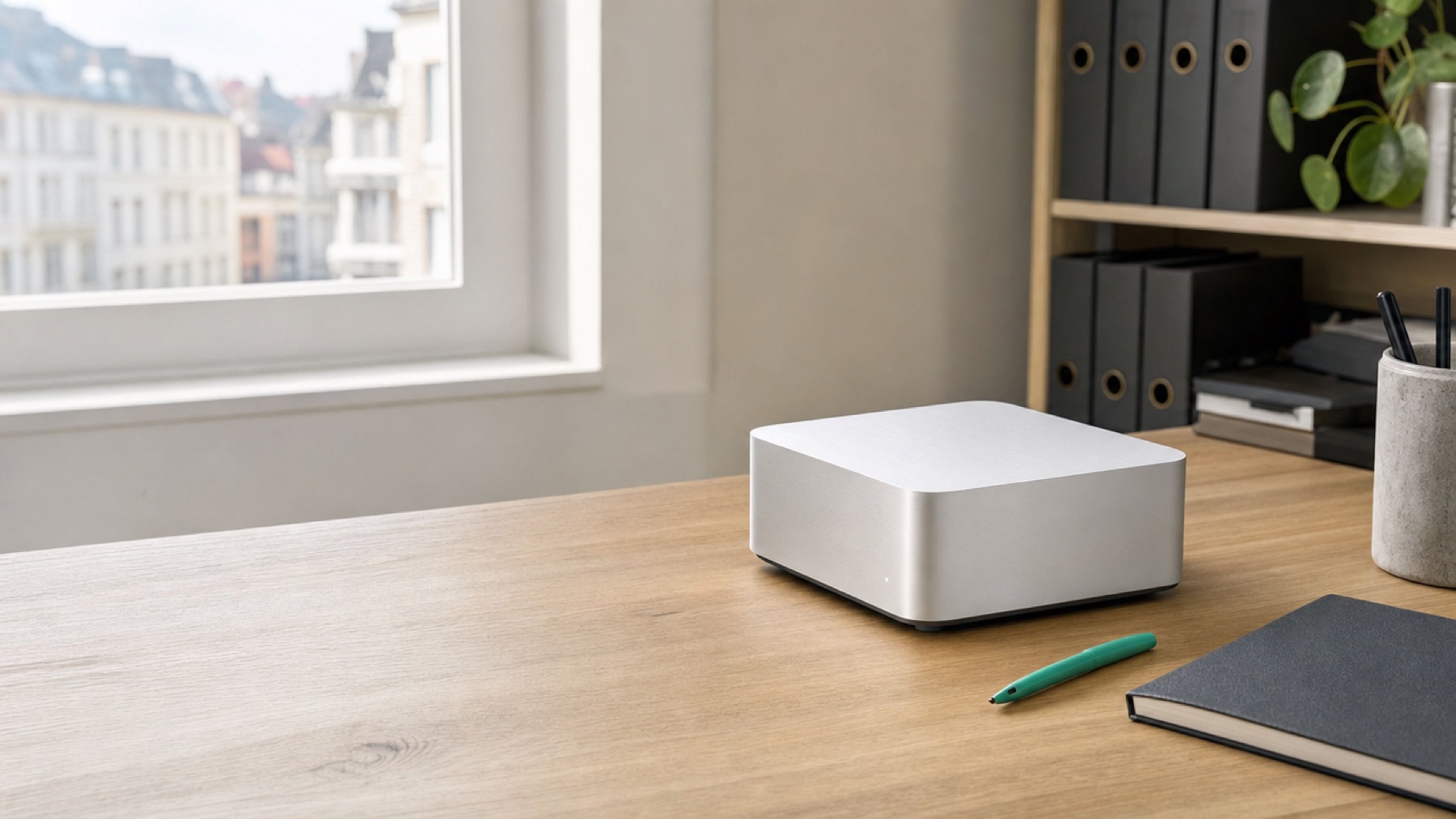
For teams from 5 to 100+ users.
One Mac Studio per company, Max or Ultra, sized to your team. RPlay’s own chat needs no separate paid AI subscription per user.
Included in the monthly rental.
The Mac Studio and local AI models, installed by RPlay. Your sources and access are agreed for your company.
Updates and health monitoring are included. Monitoring contains information about the box’s condition, never customer content.
Backups are tested by restoring them. Your data, search index and keys remain yours.
What your team keeps.
Keep your email, document storage and accounting software. RPlay works alongside them. Its own chat is available on a computer, a phone and beside your mail in Outlook.
A paid cloud AI app is optional for people who need one. If you end the RPlay service, none of your company’s data remains with RPlay.
MLX is Apple’s open-source framework for running AI models on Apple silicon. RMLX is RPlay on MLX: our software, built on that foundation, running the local AI models. The Mac Studio’s shared memory holds models, the search index and the processing used to read scans. RPlay prepares new information at night and answers questions during the day.
Start with a question from your working day.