Only assigned sources.
A person assigned to one set of client folders cannot use RPlay to read another set. Changing the AI app does not widen that access.

 it just works.
Security and privacy.
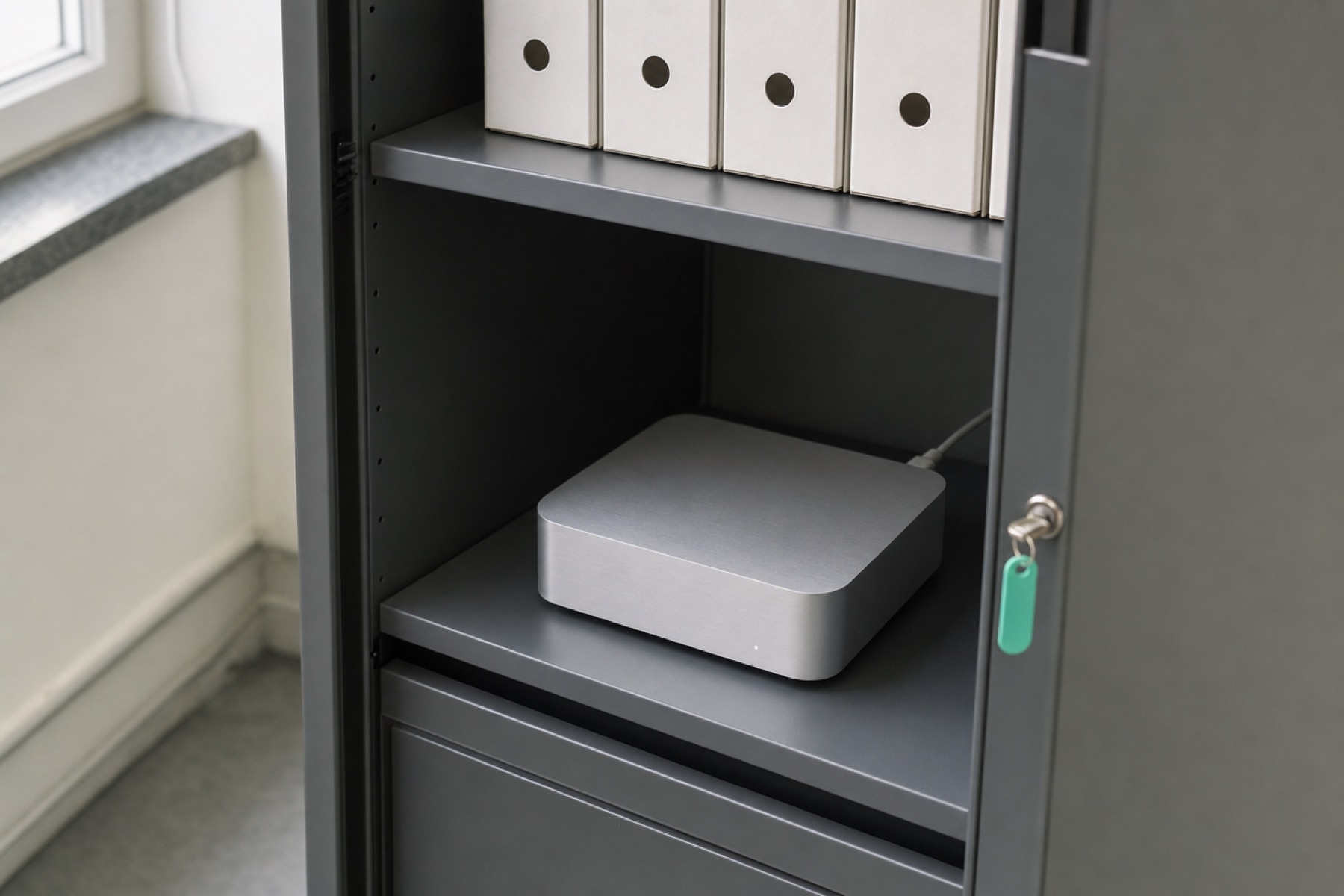
Employees sign in with their work account. RPlay limits each answer to their assigned sources. Its own chat runs AI on the Mac Studio in your office.
Signing in.
RPlay uses your company’s Microsoft Entra ID. For a business using Microsoft 365, this is the Microsoft service behind employees’ work accounts. It confirms who is signing in. RPlay then checks what that person is allowed to use.
Entra sign-in uses Microsoft’s cloud identity service. Local AI means your questions are processed on the office Mac Studio when you use RPlay chat with local models. It does not mean every part of the setup works without internet access.
Who can see what.
A person assigned to one set of client folders cannot use RPlay to read another set. Changing the AI app does not widen that access.
Users approve mailbox access through their provider’s consent screen. RPlay does not get administrator access to all company mailboxes.
RPlay reads emails, documents and business records. It only sends when you ask, and only to you. Limited actions, such as saving a draft or a confirmed CRM note, are explicit and logged.
Where the information goes.
Nothing.
Looking after the box.
Source credentials are encrypted on the Mac Studio. They are not written into configuration files or logs.
RPlay records metadata about requests and explicit write actions. Health monitoring reports the condition of the box, not the content of client files.
The rental includes backups tested through restore. Your data, index and keys remain yours.
In the office, use the company network. Remote access is set up through a customer-controlled connection, with no public incoming port opened on the Mac Studio.
Sign-in uses Entra ID. Confirm your company’s sign-in requirements, including any multifactor authentication and access policies, during setup. Your IT partner confirms the policies and settings to use during installation.
Credentials are sealed using AES-GCM. File shares and business APIs use read permissions. Remote access options in the positioning are Tailscale or Cloudflare Tunnel, initiated outbound from the box and configured by the customer.
Microsoft’s explanation of Entra ID.Start with a question from your working day.